This article contains affiliate links. We may earn a commission if you make a purchase through them, at no additional cost to you.
An aosu camera system can range from a straightforward 2K solar kit to a 4K multi-camera setup with an aosuBase. The right choice depends on how many areas you need to monitor, whether you want panoramic movement, and which devices belong in the package. This guide focuses on current examples rather than every product in the larger aosu collection.
How to Choose an aosu Camera System
Start by matching the camera design to the monitoring job. SolarCam D1 Classic is the 2K QHD option in this group, with solar operation, cross-camera tracking and 360-degree panoramic control. T2 Pro uses dual 3K cameras in two viewing formats, while T2 Ultra combines 4K color night vision with 360-degree coverage, auto patrol and multi-camera event tracking.
Next, count the separate places that need a camera. A small number of defined positions points toward a smaller kit; a plan involving several outdoor areas may call for four or six cameras. More units are useful only when each one has a clear role, so list the intended positions before choosing a configuration.
Finally, decide whether the system needs only outdoor solar cameras or a broader device mix. The aosu collection also includes video doorbells, floodlight cameras and indoor cameras, and some D1 Classic bundles combine those device types. That decision can narrow the choices more effectively than comparing resolution alone.
D1 Classic for a 2K Solar Setup
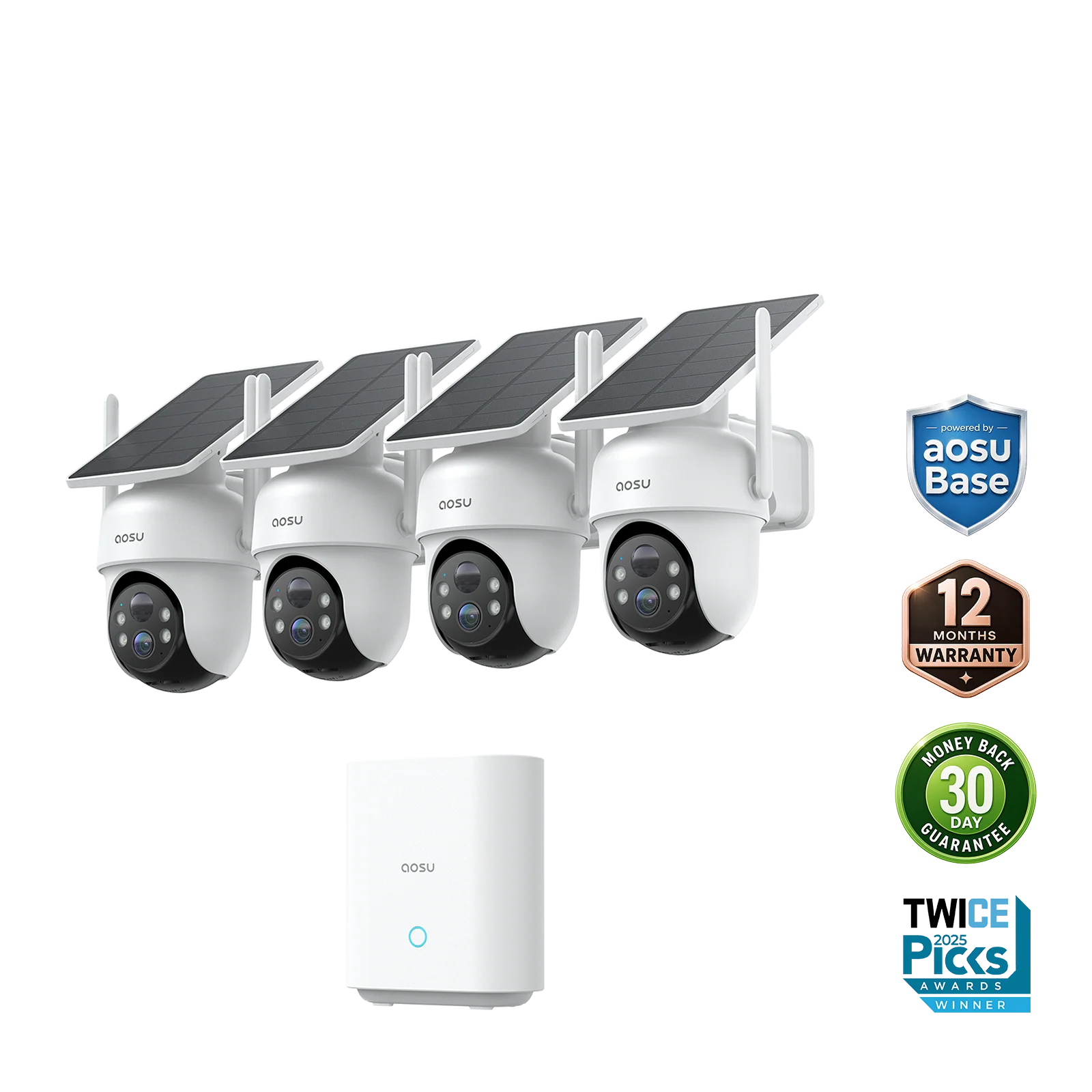
SolarCam D1 Classic is the most direct fit among these examples when the priorities are 2K QHD video, solar power and local use built around aosuBase. The current collection identifies a no-monthly-fee option with aosuBase, while the sales page highlights cross-camera tracking and 360-degree panoramic control.
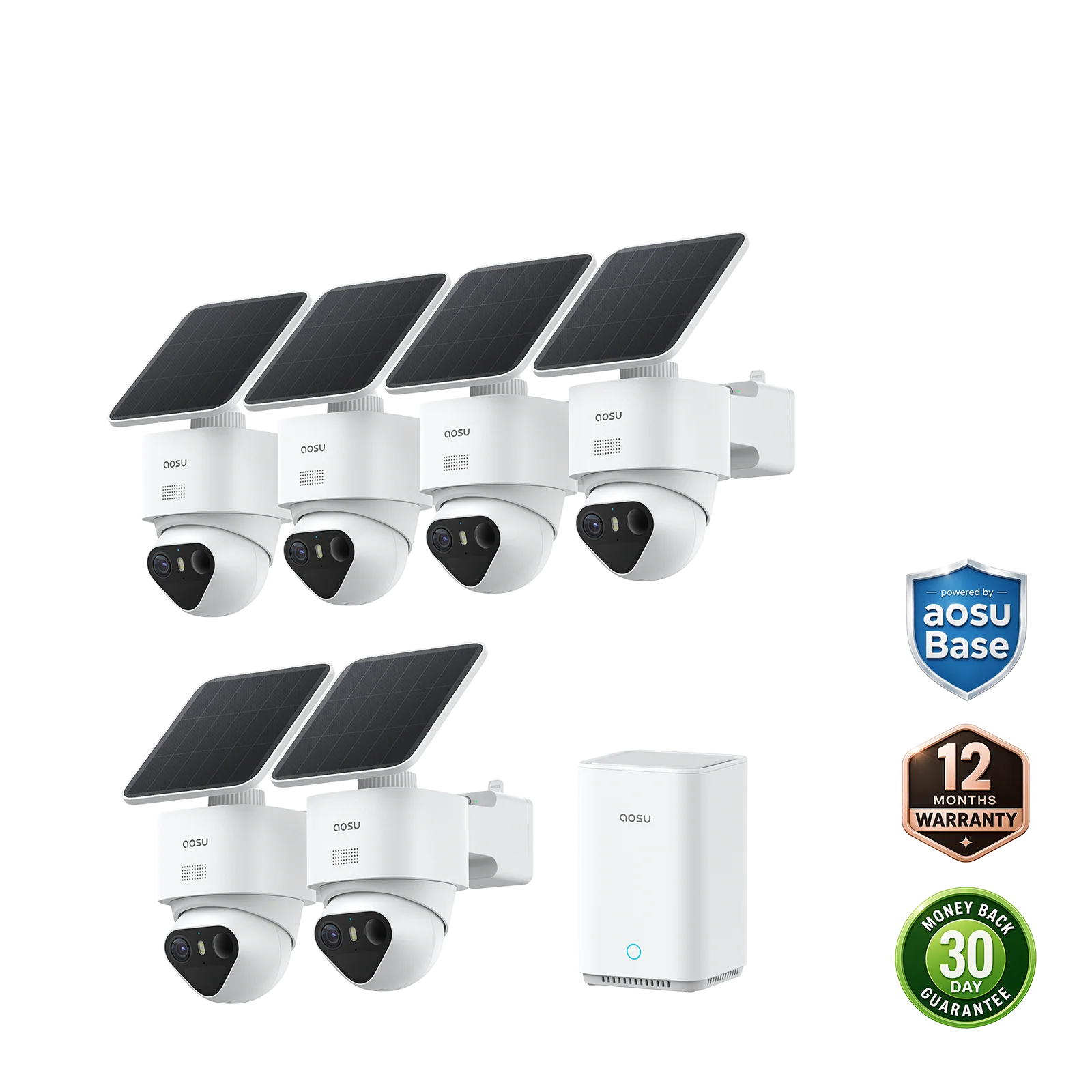
Package choice changes the scope without changing the basic model decision. D1 Classic appears in standard kits, a six-camera package and mixed-device bundles. Buyers comparing those options should first choose the number of solar-camera positions, then decide whether a doorbell, floodlight camera or indoor camera belongs in the same order. Resolution claims remain specific to the selected product rather than the size of the bundle.
T2 Pro or T2 Ultra?
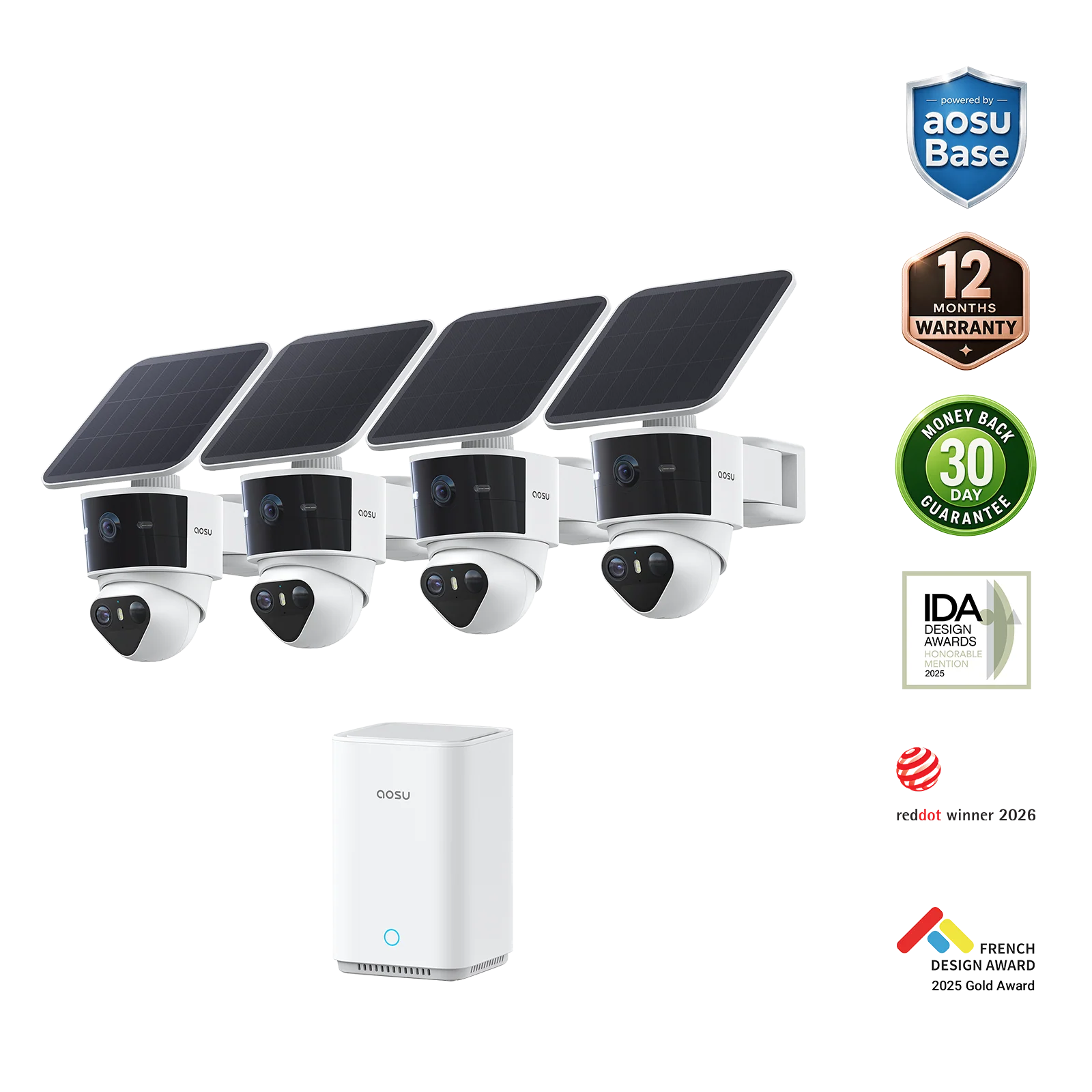
The practical difference between T2 Pro and T2 Ultra is the type of system being prioritized. T2 Pro pairs dual 3K video and full-color night vision with two complementary camera formats. T2 Ultra instead emphasizes a broader feature set that includes 4K color night vision, 360-degree coverage, auto patrol, triple detection and coordinated event tracking across cameras. The better fit depends on which of those distinctions addresses the planned viewing areas.
T2 Ultra also creates a separate storage decision. Its product page specifies 90-day local storage without a subscription and expandable local storage up to 16TB. Those figures should not be assumed for T2 Pro or D1 Classic, because storage arrangements are stated by model.
- Pick T2 Pro when a 170-degree wide-angle camera and a separate 360-degree pan-and-tilt camera suit the intended viewpoints.
- Pick T2 Ultra when 4K color night vision, auto patrol and multi-camera event tracking matter more than T2 Pro's dual-camera viewing design.
- Treat storage as a model-level decision: T2 Ultra lists 90-day local storage without a subscription and expansion up to 16TB.
Match the Kit Size to Your Camera Plan
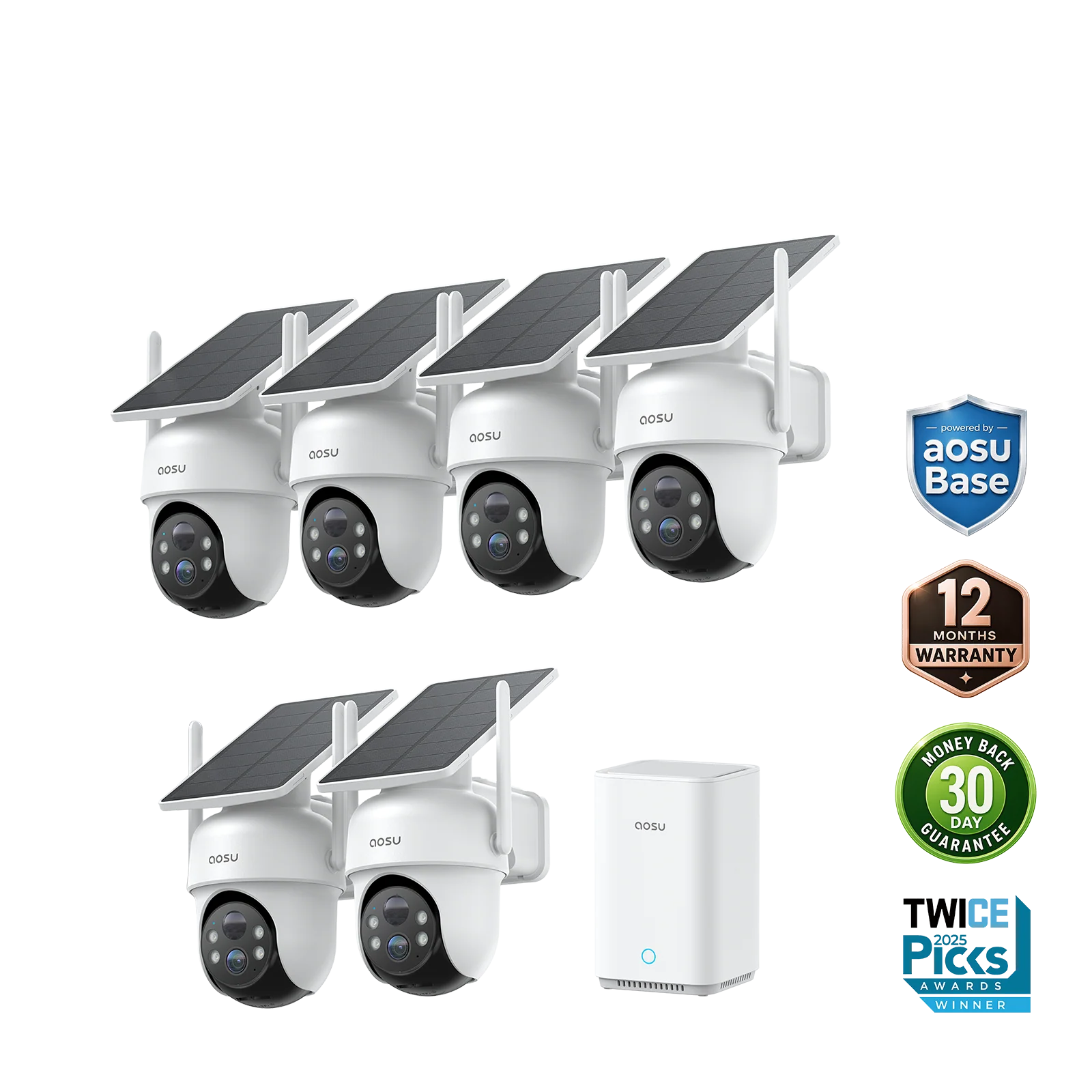
Choose camera count by assigning one intended role to every unit before ordering. D1 Classic has a six-camera package, while T2 Ultra offers one-, two-, four- and six-camera variants. This range makes it possible to align the configuration with a defined plan instead of automatically choosing the largest kit.
Variant names do not tell the whole contents story. The single-camera T2 Ultra option explicitly excludes aosuBase, whereas its multi-camera system is offered with the new aosuBase. If a base station is part of the intended setup, confirm that it is included in the chosen configuration rather than assuming all versions contain identical hardware.
The merchant pages do not provide a universal camera-placement formula. Use the actual number of planned positions as the boundary: an entrance, another outdoor area or any other defined location should justify each additional camera before moving from a smaller configuration to a larger one.
When a Mixed-Device Bundle Makes Sense
A mixed-device bundle makes sense when the plan calls for different device types rather than more identical outdoor cameras. Current D1 Classic examples combine solar cameras with Video Doorbell Pro, Floodlight Cam Pro and IndoorCam P1 Pro in several arrangements. Select the required device roles first, because a higher total device count does not necessarily provide the right mix.
The available examples support distinct plans. A doorbell can occupy the package's entrance-device role, a floodlight camera can cover a location where that device type is wanted, and IndoorCam P1 Pro introduces an indoor component. Compare the included quantities carefully, especially when two packages begin with the same four-camera D1 Classic kit.
- For outdoor devices only, one current bundle combines four solar cameras, one video doorbell and one floodlight camera.
- For indoor and outdoor monitoring, another four-camera package adds IndoorCam P1 Pro to the device mix.
- For the largest mixed example discussed here, the package contains six solar cameras, one doorbell, one floodlight camera and three indoor cameras with a new aosuBase.
Final Checks Before Ordering
Before ordering an aosu camera system, verify the exact variant, whether aosuBase is included, and the storage terms attached to that model. The official collection displays fast free shipping, a 30-day return period and a 365-day warranty, and the T2 Ultra product page repeats the return and warranty periods.
Prices, promotions, inventory and store policies can change, so confirm the current checkout terms. The 30-day money-back guarantee in the return policy applies to products purchased from aosu's official website, and returns require authorization. Warranty terms include exclusions and may provide repair or replacement rather than a refund.
Frequently Asked Questions
Can an aosu camera work without a monthly subscription?
SolarCam D1 Classic includes a no-monthly-fee option with aosuBase, while SolarCam T2 Ultra includes 90-day local storage without a subscription. Storage details are model-specific, so compare the exact system rather than assuming every aosu camera uses the same arrangement.
Does every SolarCam T2 Ultra option include aosuBase?
No. The one-camera SolarCam T2 Ultra variant explicitly excludes aosuBase. The product also has two-, four- and six-camera kit variants, so choose according to the contents associated with the specific configuration.
What can be included in an aosu mixed-device bundle?
A mixed D1 Classic bundle may add a Video Doorbell Pro, Floodlight Cam Pro or IndoorCam P1 Pro. One larger package combines six solar cameras, one video doorbell, one floodlight camera and three indoor cameras with a new aosuBase.
Where do I return an aosu product bought from another retailer?
Products purchased from another authorized retailer must be returned through that retailer rather than through aosu's official website. The official return policy also requires authorization for returns.
Compare current aosu systems
Compare camera counts, included devices and model-specific features before selecting the aosu system that matches your monitoring plan.